

Thunder VPN free internet is one of the most misunderstood searches around VPN apps. Some videos and forums suggest that a VPN can give you internet access without a data plan or credit. That is not how Thunder VPN, or any standard VPN, actually works.
Thunder VPN is a free VPN service, which means you can use the VPN itself without paying. It still needs an existing internet connection to run. This article separates the facts from the myths, explains how data use works while connected and highlights why so-called free data tricks are risky.
Free VPN Is Not the Same as Free Data
A VPN creates an encrypted tunnel on top of a connection you already have, whether that is Wi-Fi or mobile data. Without that connection, there is nothing for the tunnel to travel through, so the app cannot connect at all.
| Claim | Reality |
|---|---|
| A VPN gives internet without a data plan | It needs Wi-Fi or mobile data to work |
| VPN traffic is not counted by carriers | Encrypted traffic still uses your data allowance |
| Free VPN means unlimited free browsing | The VPN service is free, your connection is not |
| Special settings unlock free data | These usually break terms or simply do not work |
What Thunder VPN Does Offer for Free
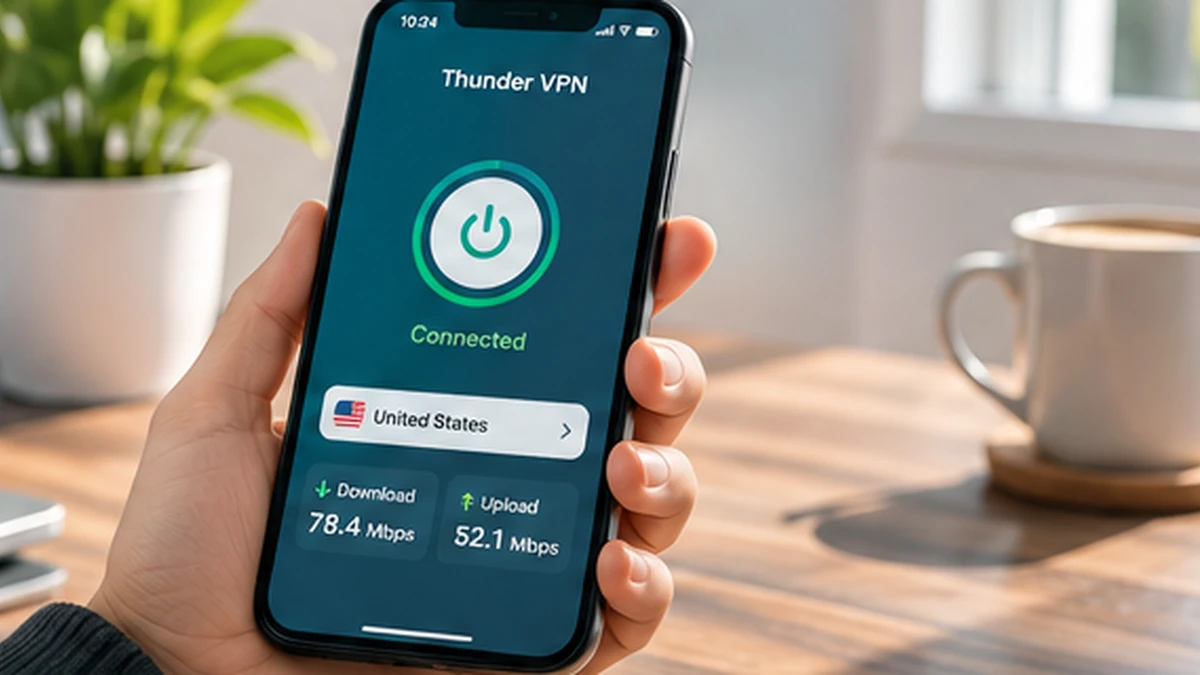
The free version provides the main VPN features: a one-tap connection, an encrypted tunnel to a VPN server and a choice of available server locations. The service is supported by ads, and optional upgrades are offered through Google Play for people who want more.
- Private browsing that hides your IP address from websites
- Encryption on shared Wi-Fi in cafés, hotels and airports
- Access to content that may be limited on your current network
- No account creation for the free service
How Data Use Works While Connected
Every page, video and message still downloads through your connection, so your data meter keeps counting. Encryption adds a small amount of extra data, typically a few percent, so heavy streaming over mobile data can use your allowance faster than you expect.
Ways to keep data use under control
- Stream on Wi-Fi where possible
- Lower video quality in streaming apps while on mobile data
- Turn off background app refresh for apps you rarely use
- Check Android’s data usage screen to see which apps use the most
Why Free Data Tricks Are Risky
Methods shared online for free data often rely on custom configurations, modified apps or loopholes in carrier systems. They frequently break carrier terms of service, can lead to suspended accounts and may require installing unknown files that compromise your phone.
If a tutorial tells you to install a modified VPN or enter special codes to get free data, treat it as a red flag. Our article on Thunder VPN APK MOD explains the security risks of altered VPN apps.
If you need affordable access, look at Wi-Fi in libraries and public spaces, carrier promotions or low-cost data plans. Pair those with the official Thunder VPN download for privacy on shared networks.
Where a Free VPN Genuinely Helps
Thunder VPN is most useful when you already have internet access but want more privacy or flexibility. Public Wi-Fi is the clearest example, since anyone nearby can share the same network. Encrypting your traffic there is a practical step for checking messages or bank balances.
- Using café, hotel or airport Wi-Fi
- Keeping your IP address hidden from websites
- Reaching sites blocked by a local network filter
- Adding privacy when travelling between networks
Understanding the Free Service Model
Running VPN servers costs money, so free services fund themselves in other ways. Thunder VPN uses adverts in the free version and offers optional paid features. Knowing this helps you set fair expectations about speed during busy times and about which servers are available for free.
Read the app’s privacy policy and the Google Play data safety section to understand what information supports that model. If ads or limits become a problem, the optional upgrade is a transparent alternative to risky workarounds.
| Option | What you pay | What you give up |
|---|---|---|
| Free version | Nothing | Some ads and possible limits |
| Optional upgrade | Subscription through Google Play | A recurring fee |
| Modified free data apps | Nothing upfront | Security, accounts and possibly your device |
Saving Money on Internet Access Safely
If cost is the real concern, there are legitimate ways to reduce what you spend on internet access. Many libraries, community centres and transport hubs offer free Wi-Fi, and carriers regularly run promotions on data bundles or student plans.
- Download maps, music and videos on Wi-Fi for offline use
- Use data-saving modes in browsers and social apps
- Compare prepaid data bundles before topping up
- Connect Thunder VPN on public Wi-Fi to keep that free access private
These steps lower costs without risking your account or device, and they pair naturally with a free VPN for privacy. The Thunder VPN download article explains how to install the official app safely.
Planning large downloads around Wi-Fi access points also keeps mobile data free for messaging and maps when you are away from home, which matters most when travelling. Offline downloads also keep music and maps available in places where signal is weak, so you depend less on expensive roaming data.
Frequently Asked Questions
No. Without an active data plan or Wi-Fi connection, the app has no internet route to build a VPN tunnel on.
No. It adds a small encryption overhead, so data use may rise slightly rather than fall.
The core VPN is free and ad-supported. Some extras, such as particular servers, may be part of the optional paid tier.
Conclusion
Thunder VPN free internet really means a free VPN service, not free connectivity. The app encrypts and reroutes the internet access you already have, which is valuable for privacy on shared networks. Skip free data tricks, keep an eye on mobile data use and rely on the official app for safe, honest protection.
Related Guides
Why Is Thunder VPN Not Connecting? Practical Fixes for Android
Work through these checks in order when the connect button spins or the VPN keeps dropping.
Read article
Thunder VPN Download: Install the Android App from Google Play
Find the right listing, check it carefully and install Thunder VPN on Android in a few minutes.
Read article
Thunder VPN APK: Installing the App File Safely on Android
Learn what an APK file is, when people use one and how to reduce the risks of sideloading.
Read article