
One-Tap VPN Connection
A single tap on the connect button starts the VPN, and another tap ends it, so protection is ready in seconds.
Thunder VPN is a simple Android VPN app that helps you stay private online, protect your data on public Wi-Fi and reach your favourite websites and apps with fewer restrictions. Easy connections make everyday browsing feel safer without extra effort.
One tap connects you to a VPN server — no manual setup needed.
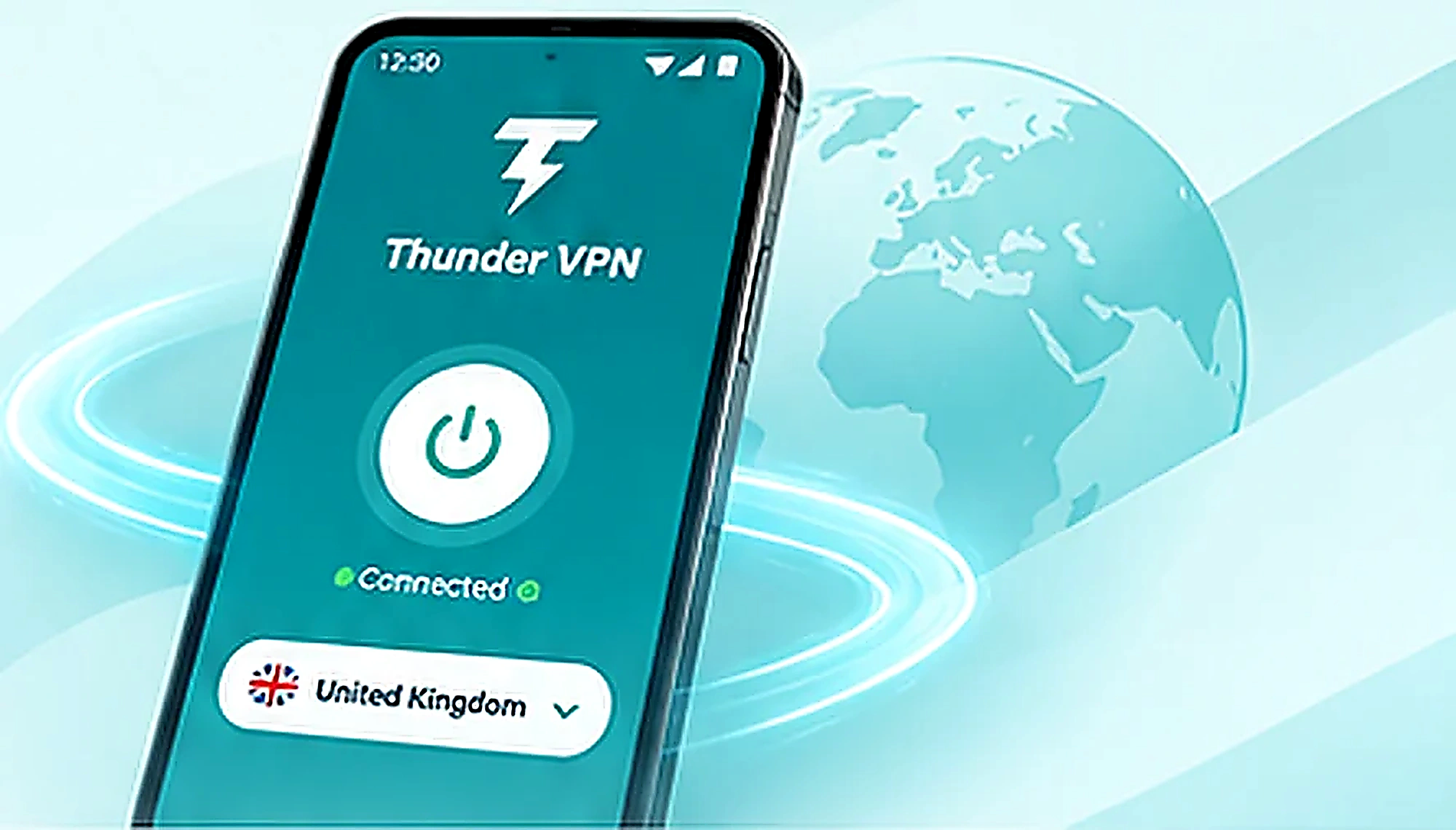
A quick look at the app, how it connects you through a VPN server and why so many Android users rely on it.

Thunder VPN is a free Android VPN app that sends your internet traffic through a VPN server instead of connecting straight to every website. Sites you visit see the server’s address rather than yours, and the link between your phone and that server is encrypted.
People use it for private browsing, safer connections on shared Wi-Fi and reaching online content that may be limited on their network. Everything happens inside the app, with no technical knowledge needed.
Thunder VPN keeps the essentials front and centre, so getting a private connection takes a tap rather than a tutorial.
A single tap on the connect button starts the VPN, and another tap ends it, so protection is ready in seconds.
Core VPN service is free on Android. Optional paid features are available through Google Play if you want them.
Traffic between your device and the VPN server travels through an encrypted tunnel that is harder to read on shared networks.
A clean screen shows the connect button, connection status and server choice without crowded menus or confusing options.
Pick from the server locations listed in the app. Available locations can change over time as the service updates.
There are no server addresses, protocols or certificates to type in — the app handles the technical setup for you.
Thunder VPN creates an encrypted tunnel between your Android device and a VPN server. Your requests travel through that tunnel, and the server passes them on to websites and apps for you.
You tap connect in the app.
Traffic is wrapped in encryption.
The server forwards your requests.
Sites see the server’s IP address.
Shared networks are convenient but open to anyone nearby. Thunder VPN encrypts the traffic leaving your phone, making it much harder for others on the same network to see what you send and receive.

Check messages and browse while the VPN keeps your traffic wrapped in encryption.
Guest Wi-Fi is shared by many visitors, so an encrypted tunnel adds useful protection.
Busy terminal networks are a common place to switch the VPN on before you browse.
A VPN adds a layer of privacy, but it does not replace safe browsing habits. Keep using secure HTTPS sites, strong passwords and caution with unknown links or downloads.
Connecting through a server in another location changes where your connection appears to come from. That can help you reach websites or services limited on your current network, though access always depends on the site, the network and local rules.

Every VPN adds an extra stop for your data, so speed depends on a few practical factors. Choosing a nearby, less busy server usually gives the smoothest results.

| Activity | What you can reasonably expect |
|---|---|
| Browsing | Pages usually load normally, with a short extra delay on distant servers. |
| Streaming | Video can play smoothly on a strong connection; try another server if buffering starts. |
| Everyday apps | Messaging, email and social apps generally work as usual while connected. |
Download the provided Thunder VPN APK 5.4.8 directly to your Android device. Only install APK files you trust; review Android security prompts before opening the file.

Tap the button, choose Install on Google Play and open the app once it finishes. Approve the Android VPN request the first time you connect.
Getting started takes about a minute. Follow these steps the first time, and later sessions only need the connect button.
Install Thunder VPN from Google Play and wait for it to finish.
Launch it from your home screen or app drawer.
Tap OK on the Android VPN connection request.
Tap connect or choose a location from the server list.
Tap the button again or use the notification to stop.
Different people reach for a VPN for different reasons. These are the groups that tend to get the most practical value from Thunder VPN.
Campus and library networks are shared by hundreds of people, and some resources may be filtered. A quick connection gives study sessions more privacy.
Hotel, station and airport networks change daily on a trip. Turning on a VPN before checking bookings or messages keeps that traffic private.
Anyone who wants a little more privacy without learning network settings can rely on one free app and a single button.
Remote workers and café regulars who connect to the same public networks every week get steady protection in their daily routine.
Quick answers to the questions people ask most about Thunder VPN, grouped into two categories.
Yes. Thunder VPN offers a free VPN service on Android, and the free version is supported by ads. Optional paid features are offered through Google Play in-app purchases, but you can connect and browse without paying.
Thunder VPN is designed so you can install it, open it and tap connect without creating an account for the free service. If you buy an optional subscription, it is handled through your Google Play account.
Thunder VPN is built as an Android app. On a Windows or Mac computer it can run inside an Android emulator, but then it mainly protects the emulator’s traffic rather than every program on the computer.
The safest place is the official Google Play listing. Search for Thunder VPN in the Play Store or use the download button on this page, then check the app name, icon and publisher before you install.
Thunder VPN is mainly known as an Android app. If you search the App Store, check the publisher name and privacy details carefully, because apps with similar names may come from different developers.
Open the app and tap the large connect button. You can also open the location list first, pick one of the available servers and then connect. The status changes to connected once the tunnel is active.
Open Thunder VPN and tap the connect button again to end the session. You can also stop the VPN from the Android notification or from your phone’s VPN settings.
Android shows a connection request whenever an app wants to set up a VPN. Tapping OK lets Thunder VPN create the VPN tunnel on your device. Without this permission the app cannot connect.
Yes. The app shows a list of available server locations that you can switch between. The locations on offer can change over time, and some may be limited to the paid tier.
Thunder VPN is mainly offered as an Android app. Before installing any browser extension using the name, check the publisher, reviews and permissions in the browser’s official extension store.
Installing from Google Play lets you review the app’s permissions and data safety section before you download. Like any free VPN, read its privacy policy so you understand how your data and ads are handled.
While you are connected, websites and apps see the IP address of the VPN server rather than your own. Your real IP address is visible again as soon as you disconnect.
A VPN adds an extra step to your connection, so speeds can be slightly lower. Server distance, busy servers and the quality of your Wi-Fi or mobile data have the biggest effect on what you notice.
Check that your internet works without the VPN, then try a different server, switch between Wi-Fi and mobile data, and update the app. Some networks block VPN traffic, which can stop the connection completely.
No VPN makes you fully anonymous. Thunder VPN hides your IP address from websites, but accounts you sign in to, cookies and the information you share can still identify you.
Thunder VPN encrypts traffic between your phone and the VPN server, which makes it harder for others on the same network to read it. Safe habits, such as avoiding unknown links, are still important.
No. Thunder VPN does not provide mobile data or a free internet plan. It works on top of an existing Wi-Fi or mobile data connection, and VPN traffic still counts toward your data allowance.
No. Changing your apparent location may help with some sites, but access depends on each website’s rules, your network and local laws. Some services actively block VPN connections.
Modified APK files are changed by unknown third parties and may contain hidden code. For a security app like a VPN, the official Google Play version is the safer choice.
Yes. Thunder VPN works on mobile data as well as Wi-Fi. Speeds depend on your signal strength and network, and data used while connected still counts toward your plan.