
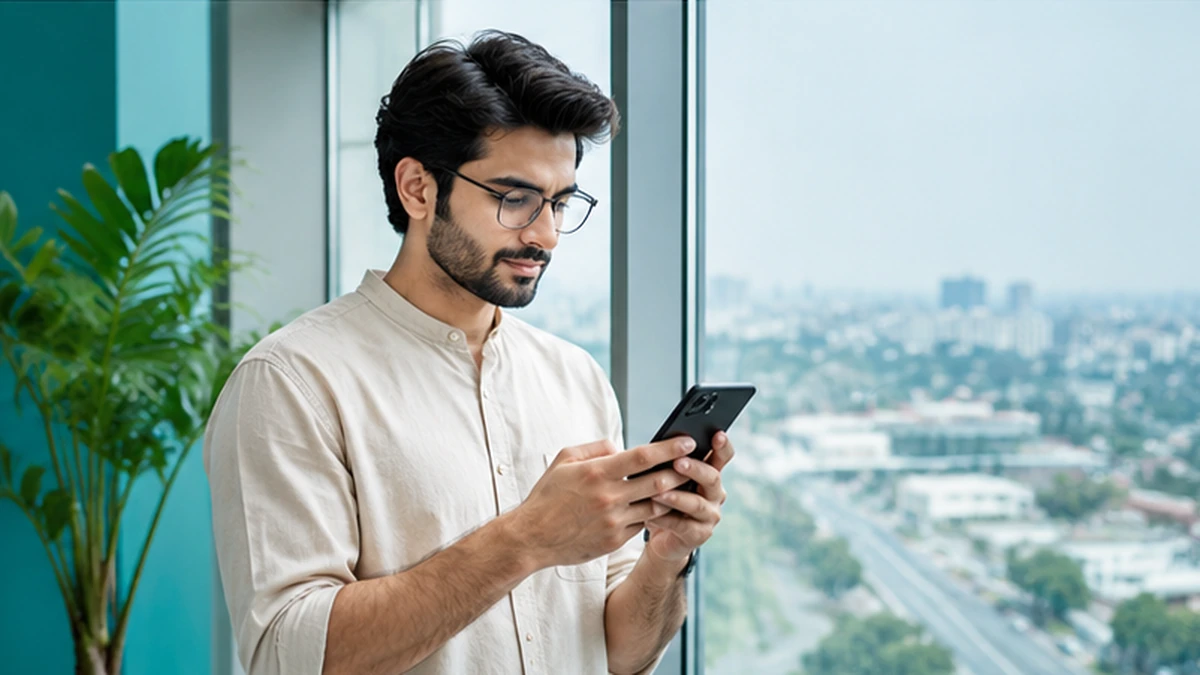
Thunder VPN APK files are the raw installation packages for the Android app. Every app from Google Play is delivered as an APK or a similar bundle behind the scenes, but some people look for the file directly so they can install it on a device without the Play Store or keep a copy for later.
Installing an APK yourself is called sideloading. It is a normal Android feature, yet it moves the job of checking the file from Google Play to you. This article explains what an APK is, the situations where sideloading might be reasonable, and the checks that help you avoid tampered or outdated copies.
What an APK File Actually Is
APK stands for Android Package. It is a compressed archive that contains the app’s code, images, settings and a digital signature from the developer. Android reads that package and installs the app, then uses the signature to make sure later updates come from the same source.
That signature is the key safety feature. If someone changes the code inside an APK, they cannot reproduce the original developer’s signature, so the altered file is signed with a different key. Android will refuse to update an installed app with a file signed by someone else.
When People Choose an APK Instead of Google Play
Most users never need the APK because Google Play handles installation and updates automatically. Even so, a few situations lead people to look for the file directly.
- Devices without Google Play services, such as some tablets and TV boxes
- Phones where the Play Store is restricted by an organisation
- Keeping an older copy to compare behaviour after an update
- Installing on several test devices without signing in to each
If none of these apply to you, the Thunder VPN download through Google Play is simpler and safer, and you lose nothing by using it.
Risks of Installing a VPN from Unknown Sources
A VPN app sits between your phone and the internet, so any hidden code inside it could, in principle, see or redirect your traffic. That makes the source of a VPN APK far more important than the source of a simple game. Unknown websites may repackage the file with adware, trackers or worse.
| Risk | Why it matters for a VPN |
|---|---|
| Modified code | Could log or redirect traffic that the VPN is meant to protect |
| Outdated version | May miss security fixes and server changes |
| Bundled adware | Adds pop-ups and tracking outside the app |
| Fake installers | Some pages deliver a different app entirely |
How to Check a Thunder VPN APK Before Installing
If you decide to sideload, take a careful approach. Download only from a reputable APK archive that keeps original developer signatures, and avoid sites that rename files or wrap them in their own installers. A reputable archive will show the package name and signature details.
Package name and signature
The Google Play listing for Thunder VPN uses the package name com.fast.free.unblock.thunder.vpn. Any APK presented as Thunder VPN should carry that same package name. If the archive lists a certificate fingerprint, it should match earlier releases of the same app.
Permissions during installation
Android shows requested permissions in the app details after installing. A VPN needs network access and the VPN service permission. Requests for contacts, SMS or call logs are a strong reason to uninstall and remove the file.
After installing, turn the unknown sources permission off again for the browser or file manager you used, so other apps cannot install files silently.
Keeping a Sideloaded Copy Updated
Sideloaded apps do not update themselves unless the Play Store recognises them. If the signatures match, Google Play may take over updates once it is available on the device. Otherwise you will need to repeat the checks above every time you install a newer file.
APK Versus Google Play at a Glance
Both routes can give you the same app, but the work involved and the protection you get are quite different. This comparison helps you decide whether sideloading is worth the effort in your situation.
| Point | Google Play install | Manual APK install |
|---|---|---|
| Source check | Handled by Google Play | Your responsibility |
| Updates | Automatic | Manual, file by file |
| Play Protect scan | Before and after install | Only after install, if enabled |
| Optional purchases | Managed in Play | May not work without Play services |
Devices without Google Play services may also struggle with in-app purchases and some background features, since those often rely on Google’s own frameworks.
Removing an APK You No Longer Trust
Uninstall the app from Android settings, delete the downloaded file from your Downloads folder and run a Play Protect scan. If you used the app to sign in to important accounts, change those passwords as a precaution, then reinstall from Google Play.
Questions to Ask Before Sideloading
A short self-check helps you decide quickly. Answering no to any of these points is a good sign that Google Play is the better route for your device and your privacy.
- Does my device lack Google Play, or am I just avoiding it?
- Does the archive show the original package name and signature?
- Am I prepared to update the file manually in future?
- Do I know how to remove the app if something seems wrong?
Thinking through these questions takes a minute and can prevent hours of cleanup after a bad install.
Frequently Asked Questions
An unmodified APK with the original signature contains the same app. Files from unknown sites cannot be guaranteed to match.
No. Android lets you install APK files after granting the install unknown apps permission to your browser or file manager.
This usually means the signatures differ. Android blocks updates signed with a different key, which protects you from tampered files.
Conclusion
Thunder VPN APK files are useful in a few specific situations, but sideloading shifts the safety checks onto you. Match the package name, keep an eye on permissions and only use archives that preserve original signatures. For everyday use, installing from Google Play gives you the same app with automatic updates and fewer risks.
Related Guides
Download Thunder VPN APK MOD: Risks and Safer Choices
Modified builds promise unlocked servers and no ads. Here is what they can cost you instead.
Read article
Thunder VPN for PC: Running the Android App on a Computer
Thunder VPN is an Android app. Here is how it can run on a computer and what that setup protects.
Read article
Thunder VPN for iPhone: Availability and Safe Options on iOS
Before installing a Thunder VPN app on iOS, check the publisher, privacy label and VPN profile.
Read article